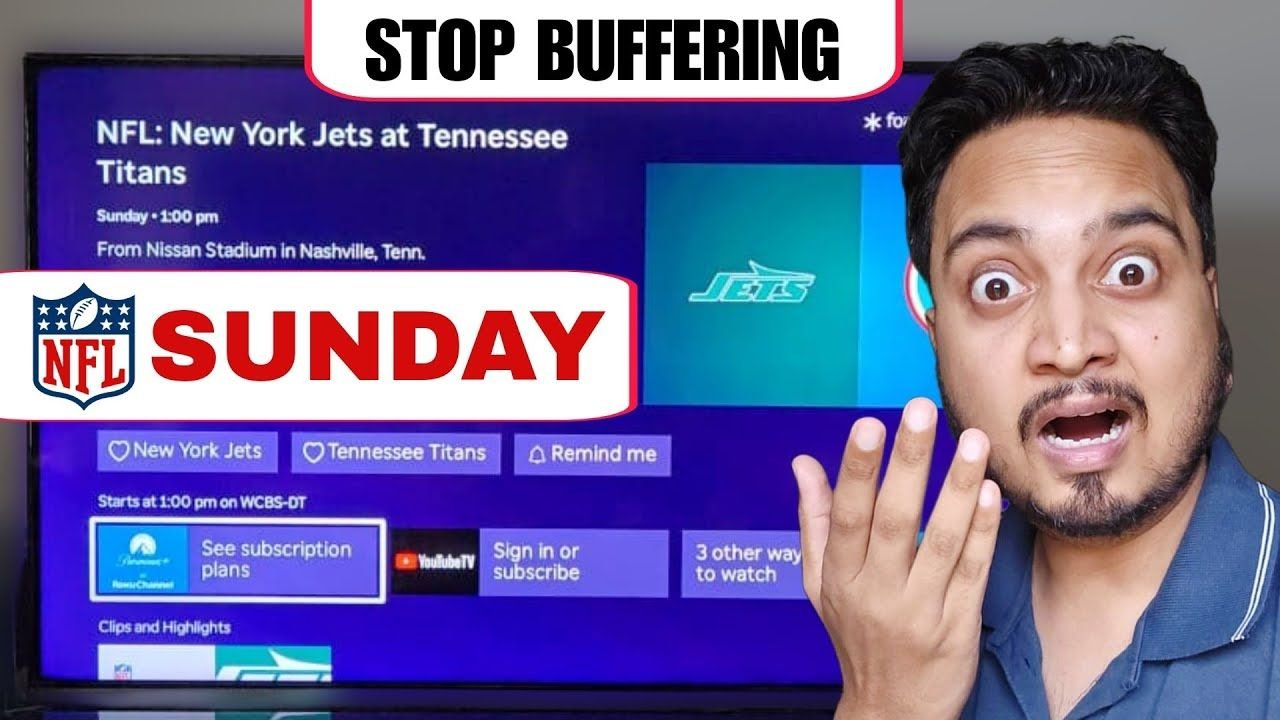
Streaming live sports like the Sunday matchup between the New York Jets and Tennessee Titans requires significantly more processing power than watching a regular movie. Because the action is live, your Roku or Fire TV cannot pre-load (or buffer) the footage in advance.
If your streaming stick is older, it often struggles to process the heavy incoming data, resulting in a freezing screen or infinite loading circle right when a major play happens on Paramount Plus or YouTube TV.
Quick Fixes for Roku and Fire TV Lag
If your stream is stuttering, try these quick troubleshooting steps to clear out your system memory and get back to the game:
- Force an App Update: On Roku, highlight Paramount+ on your home screen, press the Star button, and click “Check for updates”. On Fire TV, highlight the app, press the Menu button, and update it.
- Perform a System Restart: Avoid just pulling the plug. Go to your device’s system settings and select the system restart option to safely clear out temporary cache files.
- Check Network Strength: Navigate to your network settings and run a connection test. Live sports require a strong signal; if yours reads “Fair” or “Poor”, you will experience lag.
- Switch to Ethernet: For a flawlessly smooth stream, bypass Wi-Fi interference entirely by plugging an Ethernet cable directly into your TV or streaming player.
Read More:
The Permanent Hardware Fix
Often, the real culprit is an outdated streaming stick that simply lacks the internal RAM required to run modern, heavy live sports applications. Upgrading your streaming hardware is the most reliable way to permanently stop the buffering.
- Roku Ultra: The fastest and most powerful Roku device available, perfect for lag-free live sports.
- Fire TV Stick 4K: An incredible Wi-Fi 6 compatible stick for a lightning-fast streaming experience.
Watch the Step-by-Step Video Guide
If you prefer a visual walkthrough, check out our full tutorial below. It shows you exactly how to navigate your TV menus to apply these fixes before kickoff!