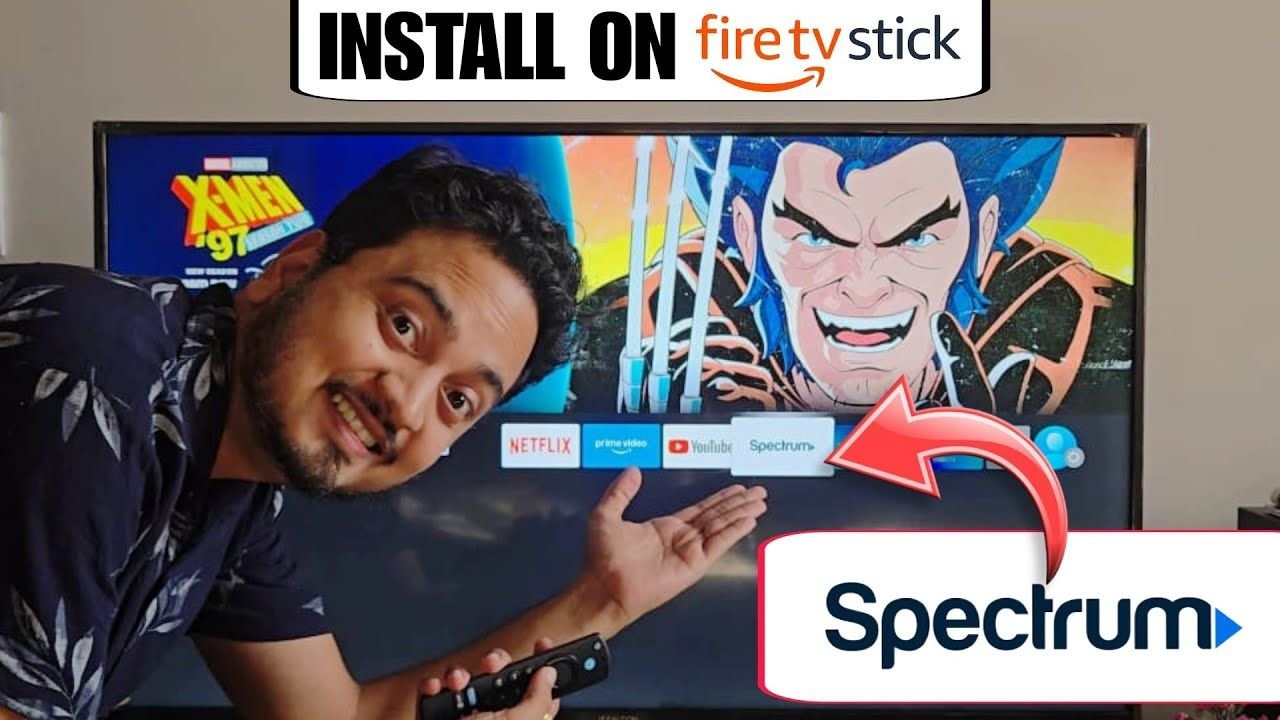
Are you trying to watch your local cable channels using the Spectrum TV app on your Amazon Fire Stick but can’t figure out how to install it? You are certainly not alone. For modern cord-cutters, getting all your favorite live TV channels consolidated onto your primary streaming device is a top priority.
In this quick and easy guide, we will show you exactly how to find, download, and set up the Spectrum TV app on your Amazon Fire TV Stick in just a few seconds.
A Quick Tip Before We Start (Hardware Check)
If your current Fire Stick menu is lagging, or your live TV keeps buffering right in the middle of an important game, it might be time for a quick hardware upgrade. Streaming live television requires a decent amount of processing power.
We highly recommend checking out the newest Amazon Fire TV Stick 4K so you can stream your sports and shows without any annoying interruptions.
Step-by-Step Guide: Installing Spectrum on Fire TV
Follow these simple steps to get the app running smoothly:
Step 1: Start on the Home Screen
Grab your Fire TV remote and make sure you are starting directly on the main Amazon home screen.
Step 2: Go to the Search Menu
Navigate over to the magnifying glass search icon (or the “Find” section) using the on-screen keyboard.
Step 3: Search for Spectrum
Simply start typing the word “Spectrum.” The official Spectrum TV app should pop up in the suggested search results almost right away.
Read More:
Step 4: Download and Install
Use your directional pad to highlight the Spectrum TV app. Click on it, and then select the “Download” or “Get” button to install it to your streaming device.
Step 5: Open and Log In
Once the quick download finishes, go ahead and open the app. Getting in is incredibly easy—all you need to do is enter your existing Spectrum account username and password when prompted.
Enjoy Your Live TV Lineup!
Once you are completely signed in, you will have full access to your entire live TV lineup and on-demand content right there on your Fire TV. This is the perfect way to bring your cable package into the modern streaming era without needing to rent a bulky, expensive cable box for every single room in your house.
If this quick setup guide helped you out today, please drop a comment below and be sure to subscribe to the USA Streaming Guide YouTube channel for more easy cord-cutting tips and streaming tutorials.
1 thought on “How to Install the Spectrum TV App on Amazon Fire Stick”